Every business has jobs that a person repeats all day: copying new orders into a spreadsheet, sending the same "your order has shipped" message, moving leads from a form into the CRM, building the same report every Monday. Each one takes a few minutes. Together they eat hours every week — and they are exactly the kind of work computers do better than people.
Most modern tools — online shops, payment providers, CRMs, Google Sheets, accounting software, messaging apps — expose an API: a documented way for software to read and write their data. Connecting those APIs is the core of business process automation. This guide walks through one real workflow from start to finish.
Which tasks are worth automating?
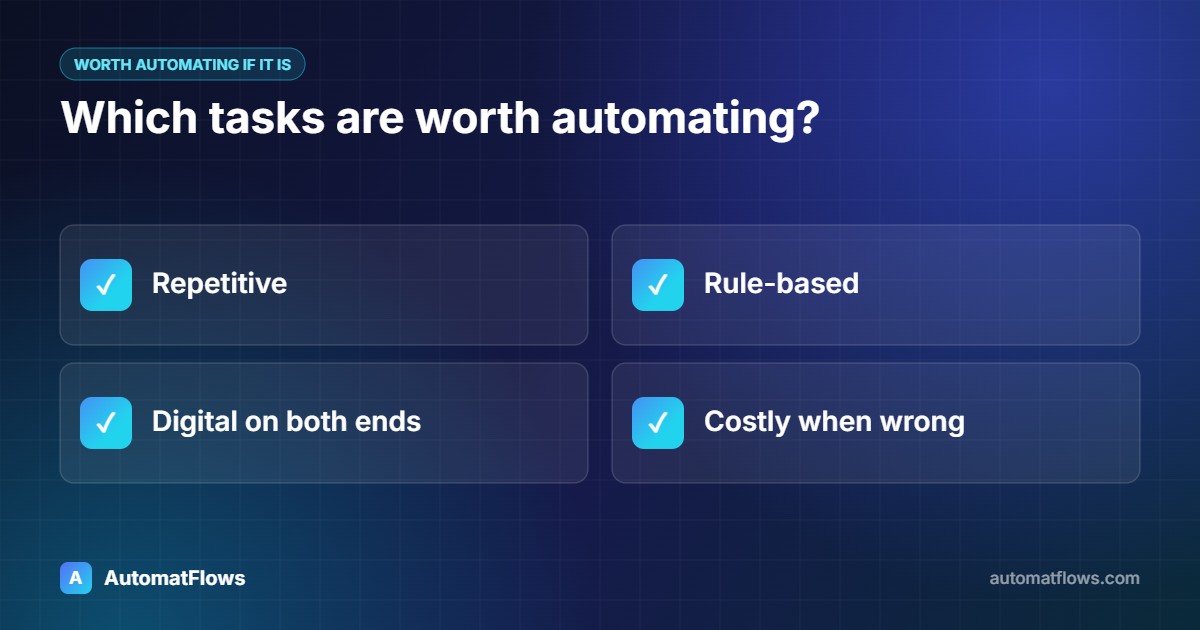
A task is a good candidate when it is:
Repetitive — the same steps every time, many times a week.
Rule-based — a person follows clear rules, not judgement.
Digital on both ends — the data starts and ends in software.
Costly when wrong — typos, missed orders or late messages cause real problems.
Typical examples: syncing orders, stock and customers between systems; creating invoices; sending confirmations and reminders; adding form leads to a CRM; collecting numbers from several tools into one daily report.
The example: from new order to spreadsheet and team alert
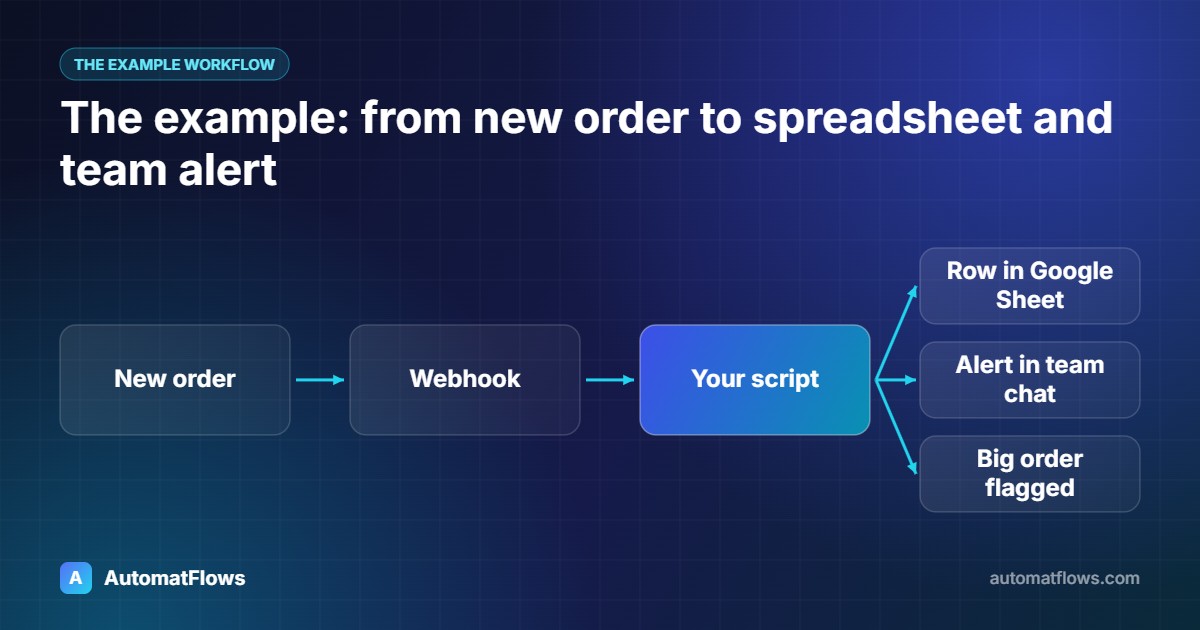
A small online shop wants three things to happen whenever a customer places an order:
The order is added as a new row in a Google Sheet the team uses for packing.
The team gets a message in their chat channel with the order total.
Large orders (over a set amount) are flagged for a personal follow-up.
Today someone does this by hand from the shop dashboard. Here is how to automate it.
Step 1: Map the process exactly as it happens today
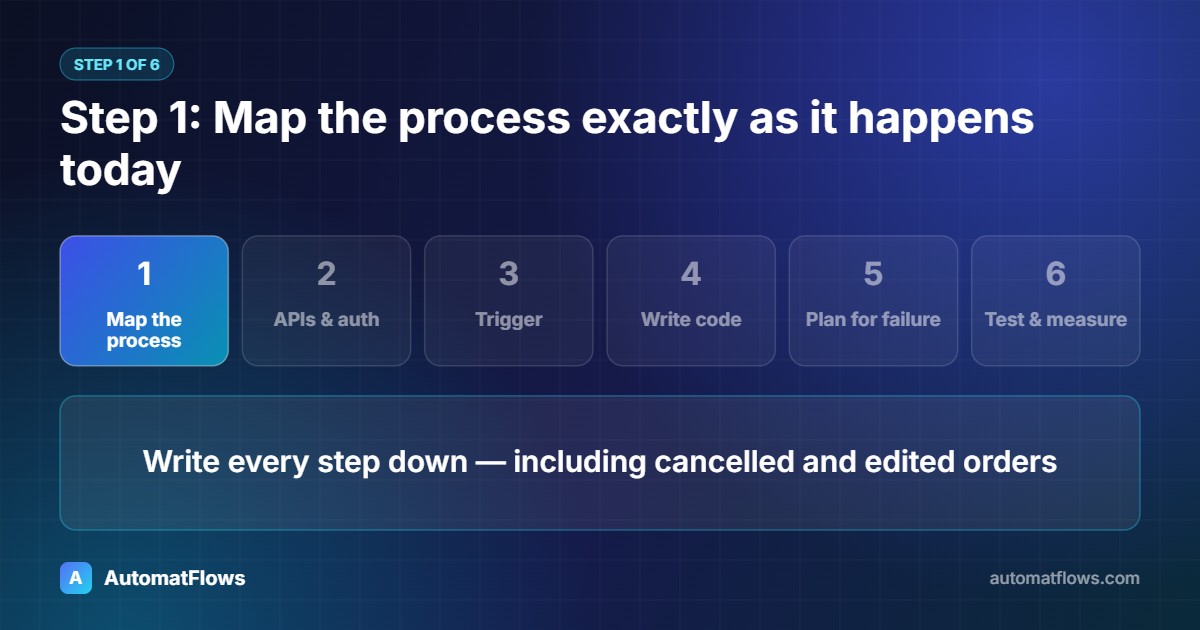
Write every step down, including the exceptions: What happens with cancelled orders? With orders edited after placing? Which fields go into which column? This list becomes the specification. Most automation problems come from steps nobody wrote down.
Step 2: Find the APIs and how they authenticate
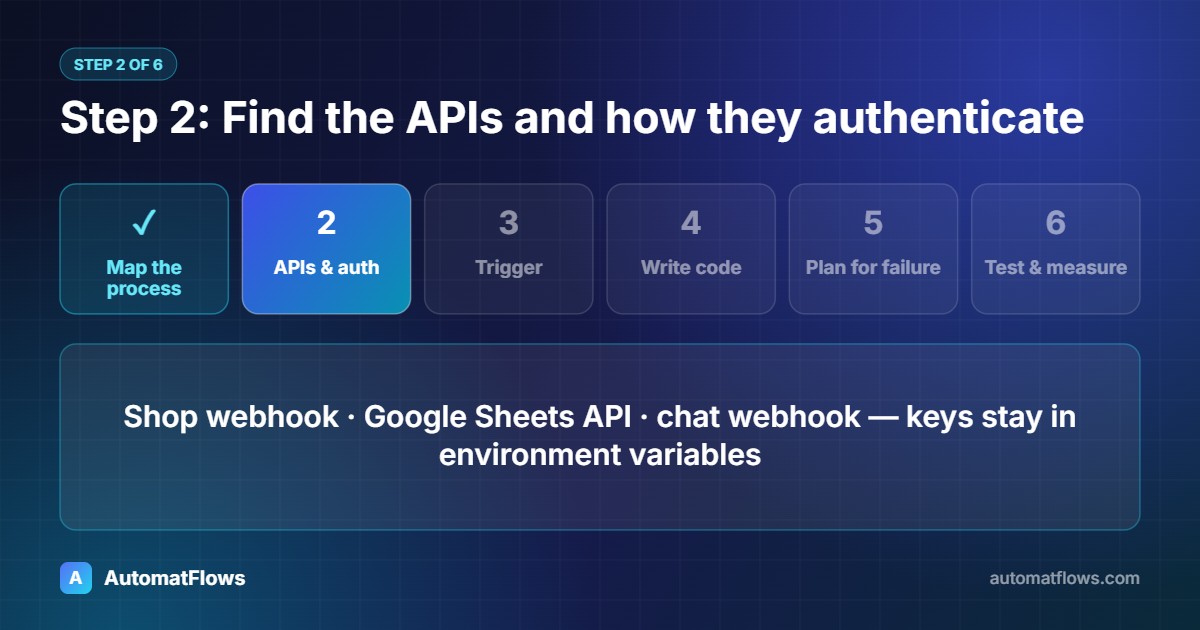
The shop (for example Shopify or WooCommerce) can send a webhook — an HTTP request to your server — the moment an order is created.
Google Sheets has an API; a service account (a robot Google account) is given edit access to one sheet.
The chat app (Slack, Microsoft Teams, Telegram and others) accepts messages through a webhook URL or a bot token.
Keep every key and token in environment variables or a secrets manager — never in the code itself.
Step 3: Choose the trigger — webhook or schedule
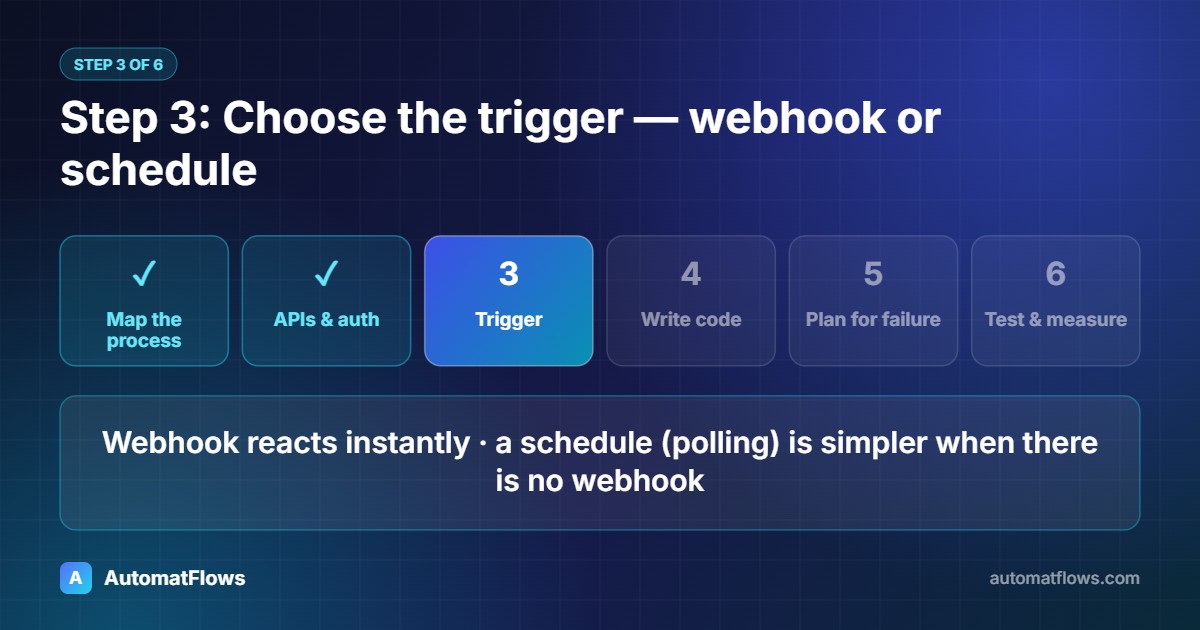
A webhook reacts instantly and uses no resources while nothing happens. A scheduled check (polling every few minutes) is simpler when a system offers no webhooks. For orders, webhooks are the better choice.
Step 4: Write the integration
A compact version in Python using Flask, gspread and the requests library:
import base64, hashlib, hmac, os
import gspread, requests
from flask import Flask, request, abort

app = Flask(__name__)
sheet = gspread.service_account(filename='service-account.json').open_by_key(os.environ['SHEET_ID']).sheet1
CHAT_WEBHOOK = os.environ['CHAT_WEBHOOK_URL']
SECRET = os.environ['SHOP_WEBHOOK_SECRET'].encode()
BIG_ORDER = 500

def signature_ok(raw_body, received):
    expected = base64.b64encode(hmac.new(SECRET, raw_body, hashlib.sha256).digest()).decode()
    return hmac.compare_digest(expected, received or '')

@app.post('/webhooks/order-created')
def order_created():
    if not signature_ok(request.get_data(), request.headers.get('X-Shopify-Hmac-Sha256')):
        abort(401)
    order = request.get_json()

    # Idempotency: shops can send the same webhook twice; skip orders already in the sheet.
    if sheet.find(str(order['id']), in_column=1):
        return '', 200

    total = float(order['total_price'])
    sheet.append_row([order['id'], order['created_at'], order['email'], total, order.get('note') or ''])

    text = f"New order #{order['order_number']}: {total:.2f} {order['currency']}"
    if total >= BIG_ORDER:
        text += ' - large order, please follow up personally'
    requests.post(CHAT_WEBHOOK, json={'text': text}, timeout=10).raise_for_status()
    return '', 200
The header name and payload fields above follow Shopify's order webhook; other platforms use the same idea with their own names.
Step 5: Plan for failure
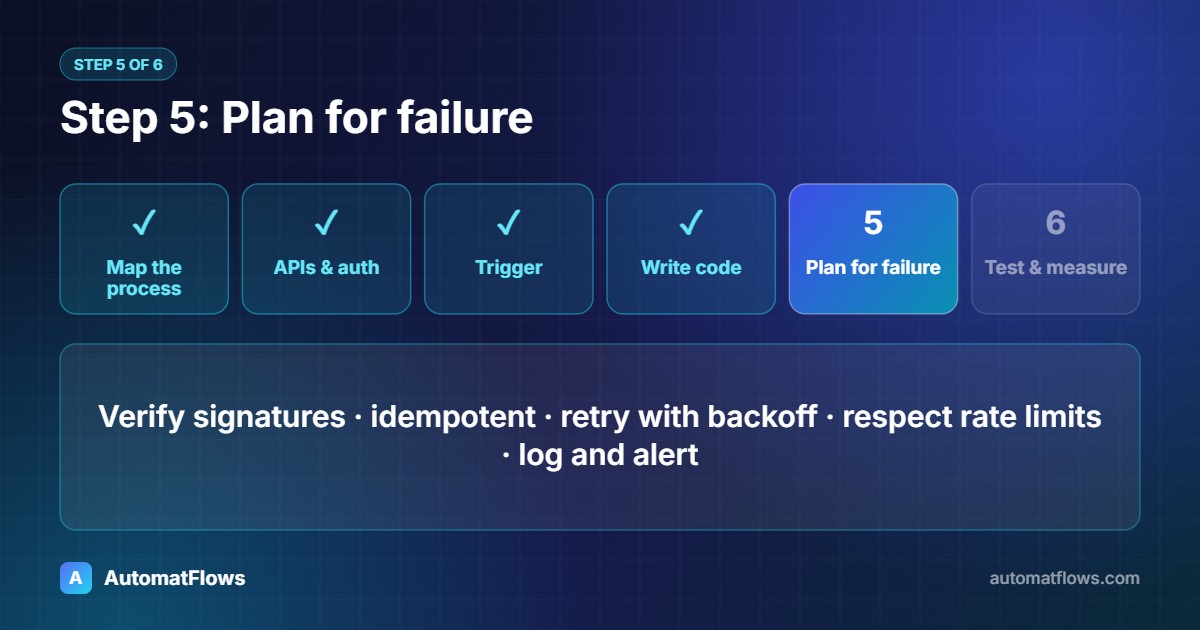
Verify webhooks. Check the signature (as above) so nobody can send fake orders to your endpoint.
Make it idempotent. Webhooks can arrive twice; the same order must not create two rows.
Retry with backoff. If Google or the chat app is briefly unavailable, try again after a few seconds instead of losing the order. A small job queue makes this reliable.
Respect rate limits. Every API limits requests per minute; batch writes when volumes grow.
Log and alert. Keep a log of every run and send an alert when something fails, so problems are seen the same day.
Step 6: Test, launch, then measure
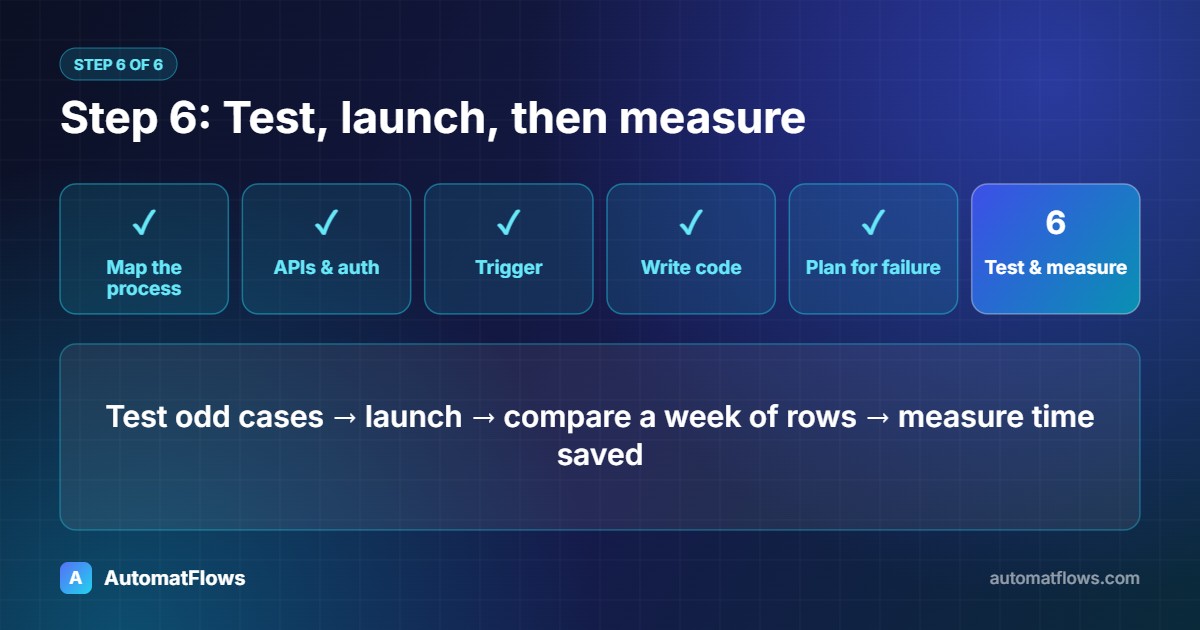
Test with sample orders first, including the odd cases from step 1. After launch, compare a week of automated rows with the shop dashboard. Then measure the result: minutes saved per day, errors avoided, faster replies to customers.
No-code tools or custom code?
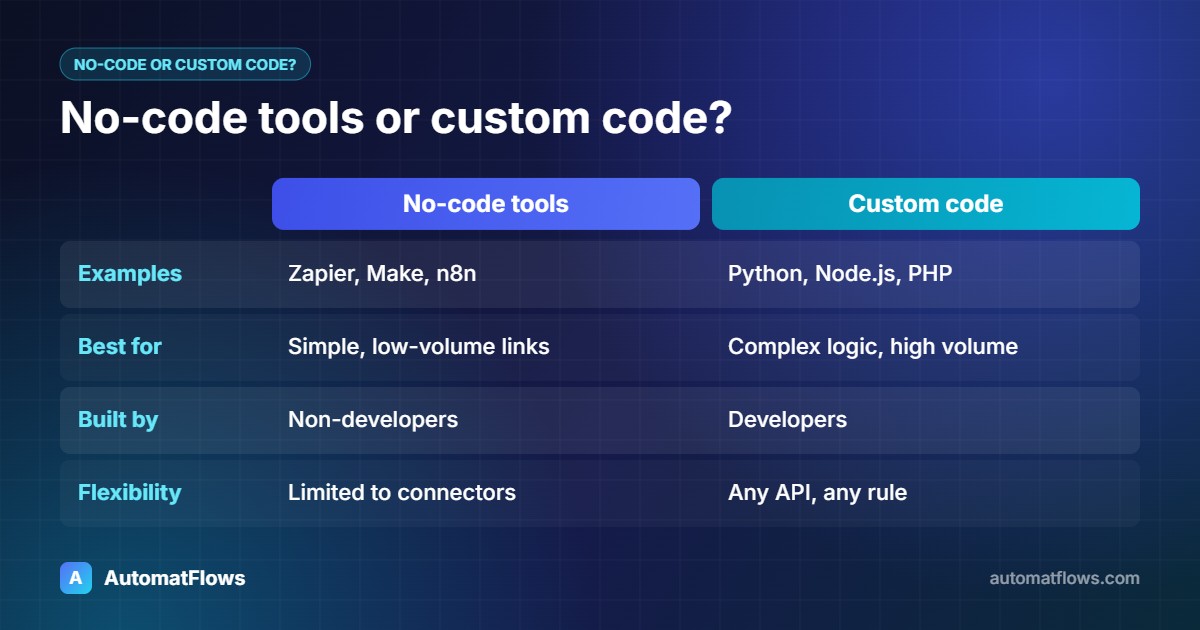
Tools like Zapier, Make and n8n are excellent for simple, low-volume connections and let non-developers build them. Custom code makes sense when the workflow has many rules, high volume, systems without ready-made connectors, or when monthly per-task fees start to add up. Many businesses start with a no-code tool and move the busiest workflows to custom code later.
What to automate first
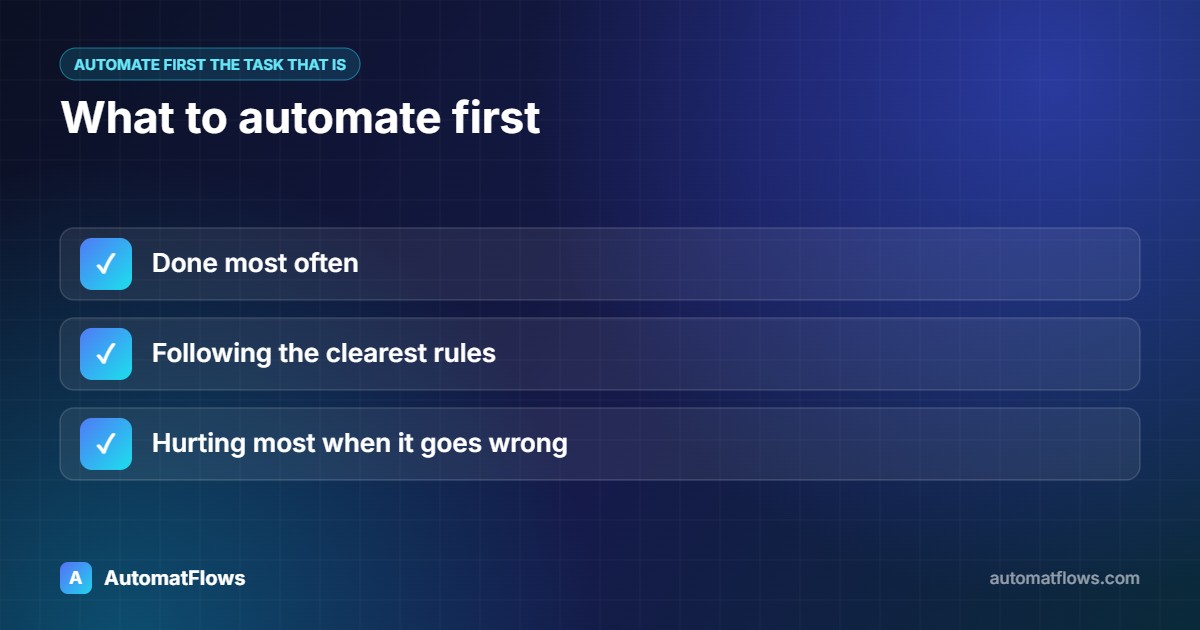
Pick the task that is done most often, follows the clearest rules and hurts most when it goes wrong. One reliable automation that saves an hour a day is worth more than ten fragile ones.
Get help with API integration
AutomatFlows builds workflow automation for small businesses, HTTP and API integrations and custom automation software for processes that do not fit a standard tool. Send us the task you repeat every day and we will show you how it can run by itself.