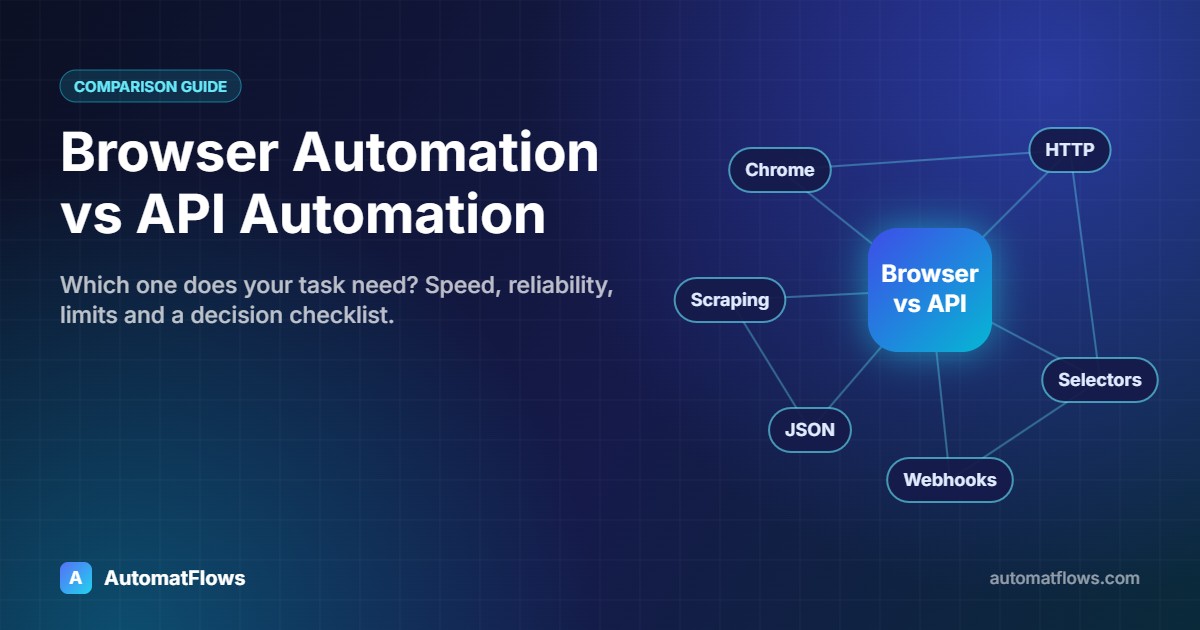
Almost every automation project starts with the same question: should a script click through the website the way a person does, or should it talk to the server directly? The first approach is browser automation. The second is API (or HTTP) automation. Both can fill forms, download reports and move data between systems — but they behave very differently once they run every day.
This guide explains the difference in plain terms, shows a small example of each, and gives a simple checklist for choosing the right one.
What is browser automation?
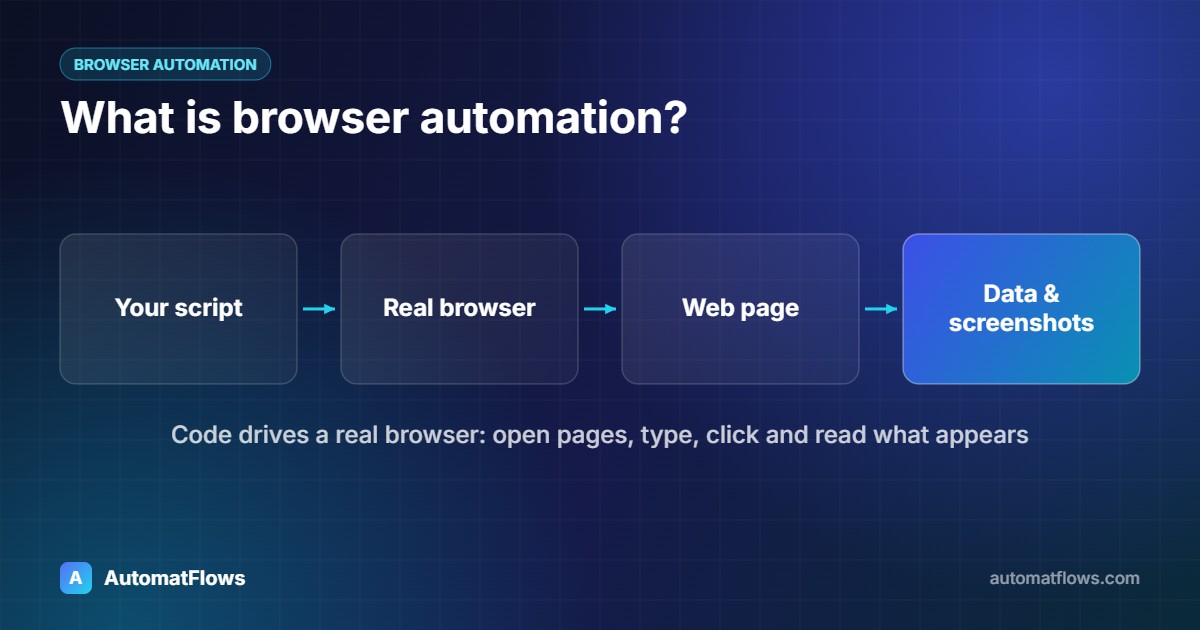
Browser automation controls a real web browser — Chrome, Edge, Firefox — with code. The script opens pages, types into fields, clicks buttons and reads what appears on screen, exactly like a person sitting at the keyboard. Popular tools are Playwright, Selenium and Puppeteer.
Because it uses the same interface as a human, browser automation works on almost any website, including sites that have no API at all. That is its biggest strength.
// Playwright (Node.js): log in and download a monthly report
import { chromium } from 'playwright';

const browser = await chromium.launch();
const page = await browser.newPage();
await page.goto('https://portal.example.com/login');
await page.getByLabel('Email').fill(process.env.PORTAL_EMAIL);
await page.getByLabel('Password').fill(process.env.PORTAL_PASSWORD);
await page.getByRole('button', { name: 'Sign in' }).click();

await page.getByRole('link', { name: 'Reports' }).click();
const download = page.waitForEvent('download');
await page.getByRole('button', { name: 'Export CSV' }).click();
await (await download).saveAs('reports/monthly.csv');
await browser.close();
What is API automation?
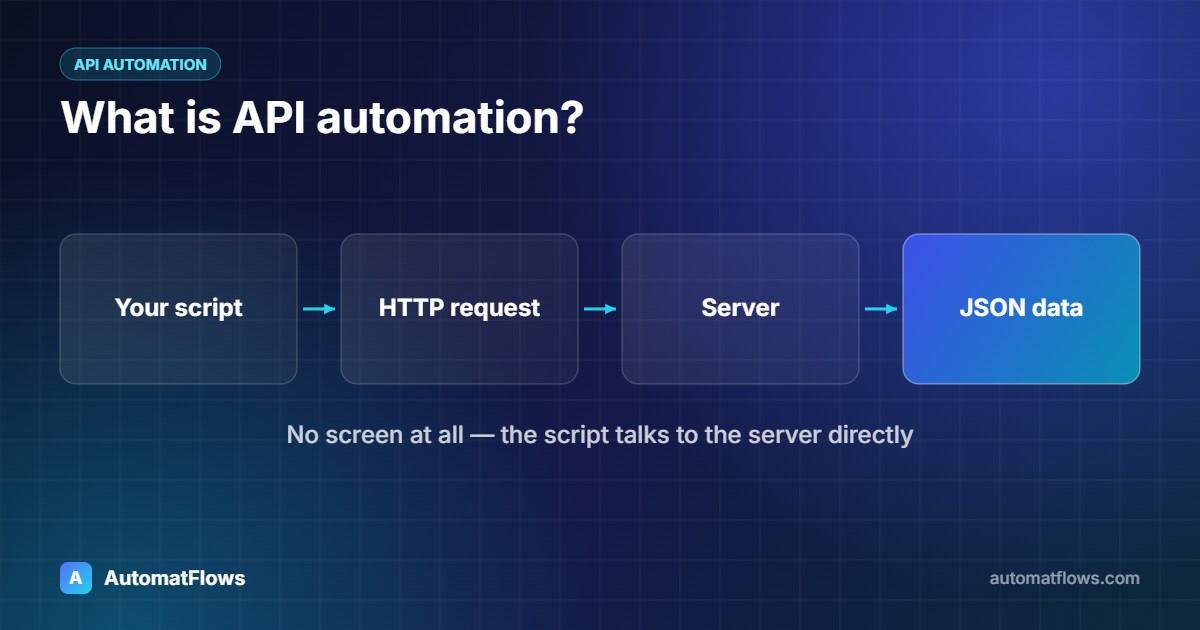
API automation skips the screen entirely. The script sends HTTP requests to the server — the same requests the website itself sends in the background — and gets data back, usually as JSON. There is no browser to start, no page to render and no buttons to find.
# Python: the same report through the service's API
import os, requests

session = requests.Session()
session.headers['Authorization'] = f"Bearer {os.environ['PORTAL_TOKEN']}"

response = session.get('https://api.example.com/v1/reports/monthly', params={'format': 'csv'}, timeout=30)
response.raise_for_status()
with open('reports/monthly.csv', 'wb') as f:
    f.write(response.content)
The API version is shorter, and in practice it is usually much faster: it transfers only the data, not the whole page with its scripts, images and styles.
Side-by-side comparison
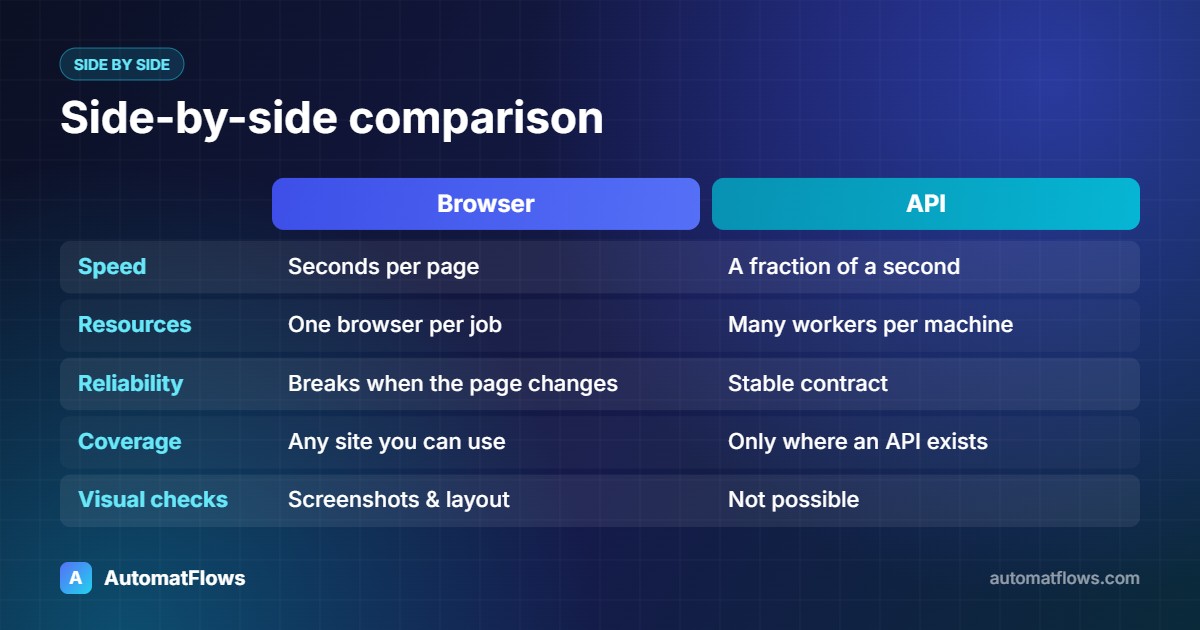
Speed: API calls typically finish in a fraction of a second; a browser has to load and render every page, so the same job often takes many times longer.
Server resources: one machine can run many API workers at once; each browser needs its own memory and CPU.
Reliability: an API is a stable contract. A web page changes whenever the design changes — a renamed button can break a browser script.
Coverage: browser automation works on any site you can use by hand. API automation only works where an API exists (public, private or the site's own background requests).
Logins and security steps: browsers handle cookies, redirects and multi-step logins naturally. With an API you must manage tokens and sessions yourself.
Visual checks: only a browser can take screenshots, check layouts or test what a user actually sees.
When browser automation is the right choice
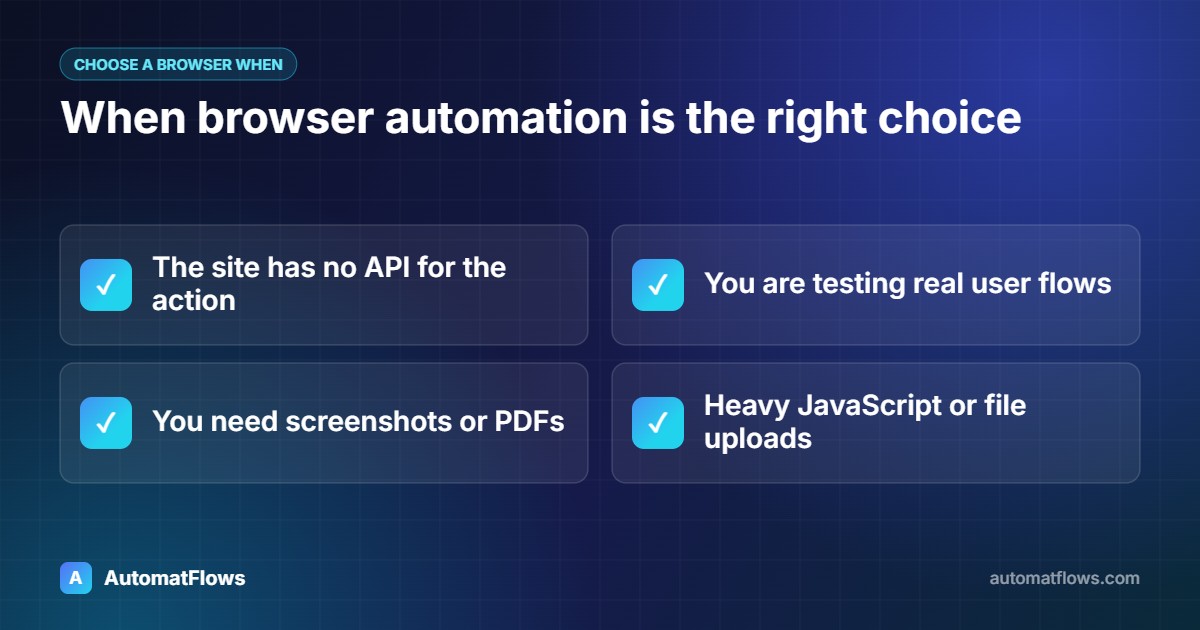
The website has no API, or the API does not offer the action you need.
You are testing a website — checking that pages, forms and checkouts work for real users (end-to-end testing).
The task needs screenshots, PDFs or visual proof of what was on screen.
The workflow passes through pages that build their content with heavy JavaScript, file uploads or embedded tools that are hard to reproduce with raw requests.
When API automation is the better choice
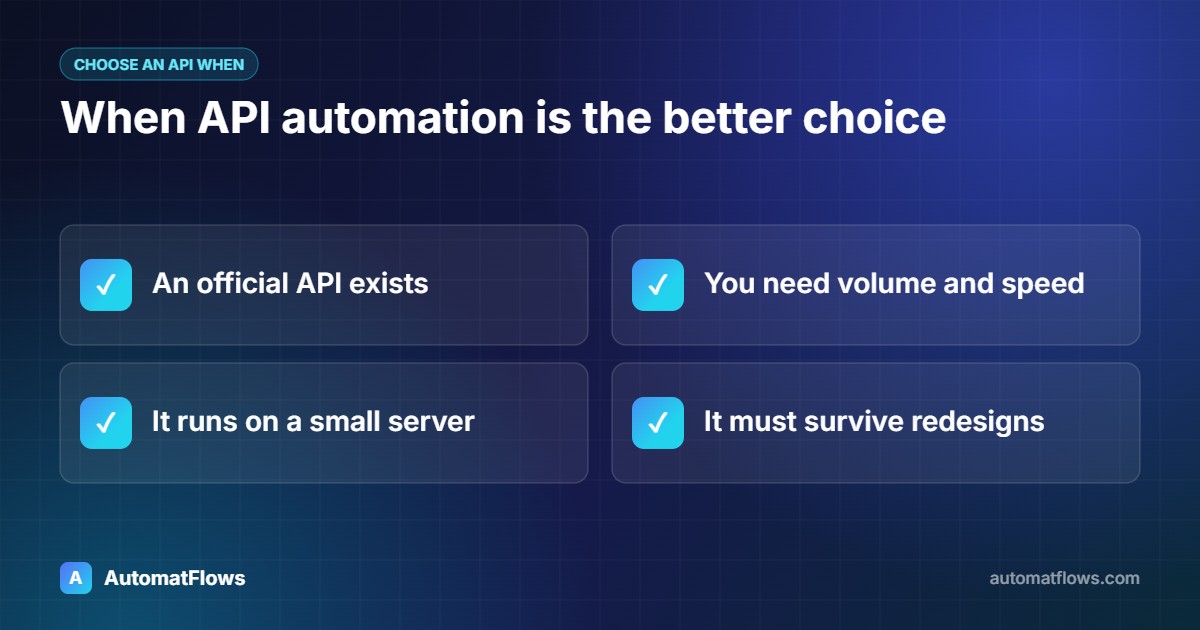
An official API exists — for example Shopify, Google Sheets, Stripe, WooCommerce or most CRMs.
You need volume and speed: thousands of records, frequent syncs, or jobs that run every few minutes.
The automation runs on a small server where starting many browsers would be too heavy.
You want something that keeps working after the website gets a new design.
The hybrid approach most real projects use
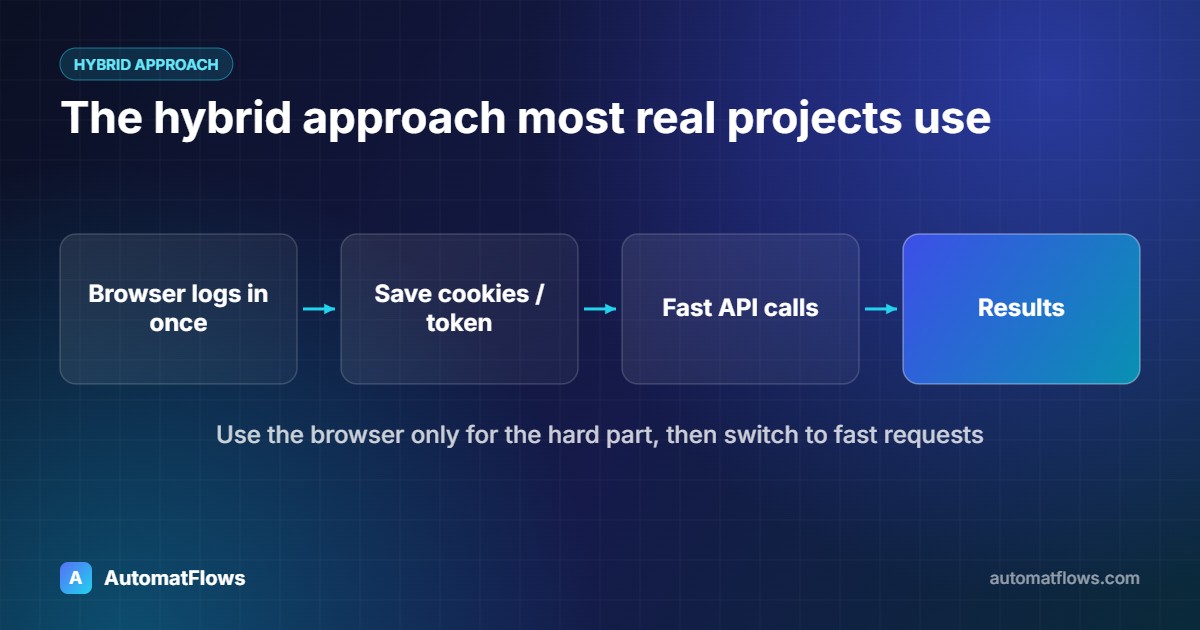
Many reliable automations combine both. A common pattern is to log in once with a browser — handling the login page, cookie banners and redirects — and then reuse that session for fast HTTP requests. Another is to inspect the website's own network traffic (in the browser's developer tools) and discover that the page loads its data from an internal JSON endpoint. Calling that endpoint directly is often far faster and steadier than reading the page.
Whichever you use, respect each website's terms of service and rate limits, and only automate accounts and data you are allowed to access.
Real limits to plan for
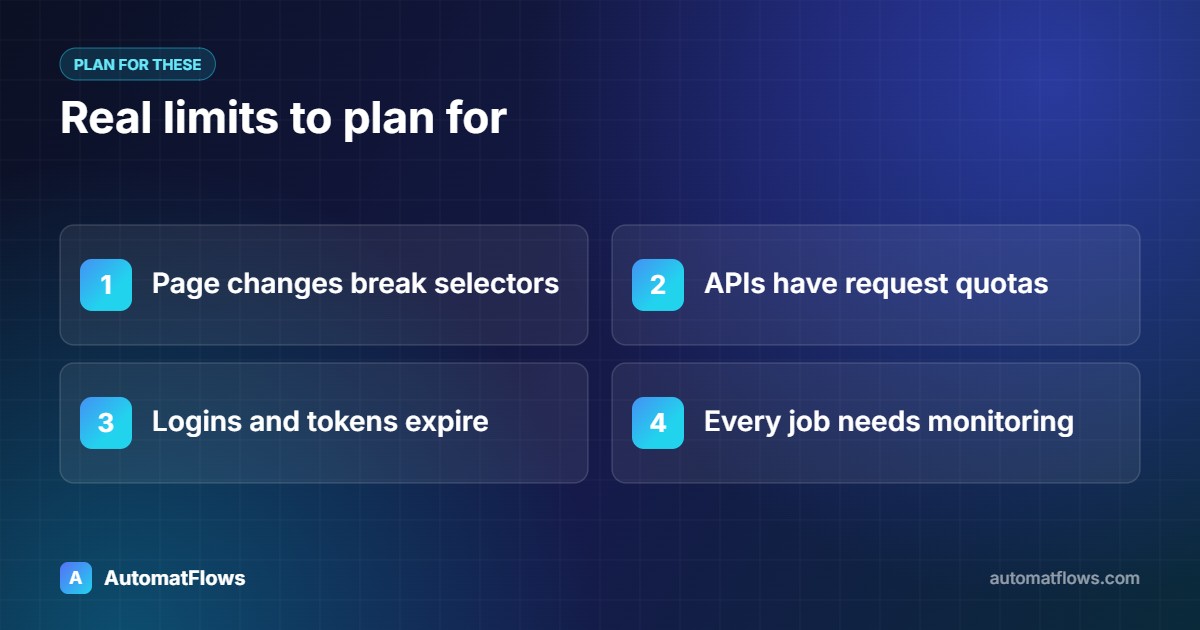
Browser scripts break when the page changes. Good selectors (labels, roles, test IDs instead of long CSS paths) and clear error logs reduce the damage, but someone still needs to maintain them.
APIs have quotas. Most limit how many requests you can send per minute or per day; the automation must slow down and retry instead of failing.
Authentication expires. Tokens and sessions run out; plan how the job logs in again without manual help.
Both need monitoring. A scheduled job that fails silently is worse than no automation — send an alert when a run fails.
A quick decision checklist
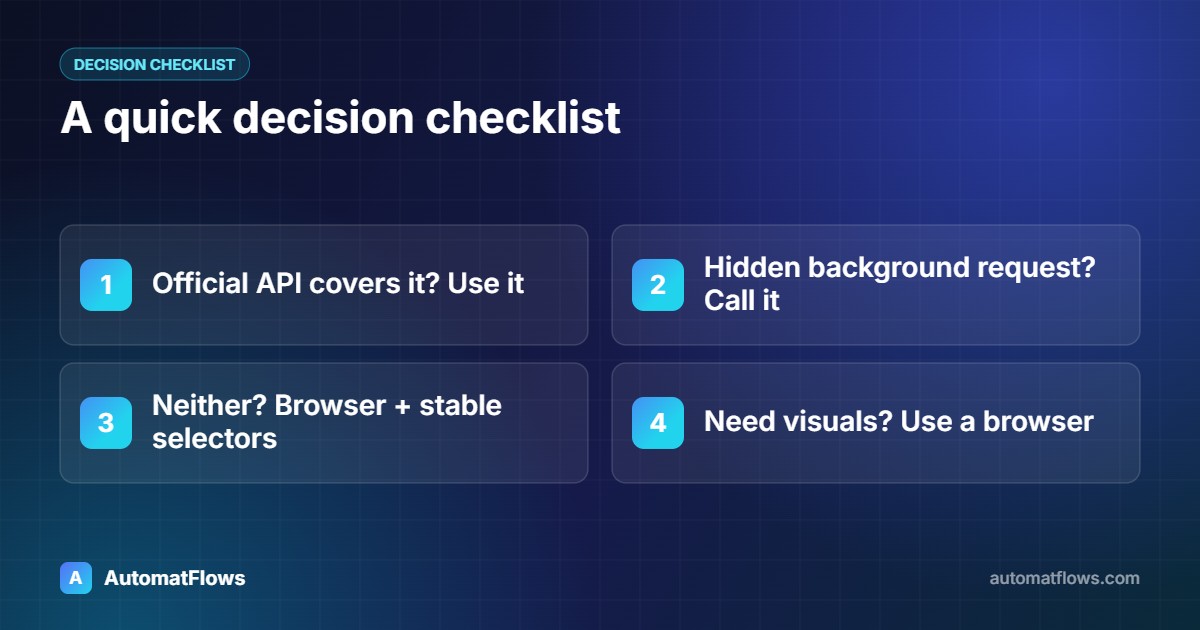
Is there an official API that covers the task? Use it.
No official API — does the page load its data from a background request you can call? Try HTTP automation.
Still no? Use browser automation with stable selectors and good logging.
Need screenshots or a test of the real user experience? Use a browser, regardless of the API.
Need help choosing?
At AutomatFlows we build both: browser automation and web scraping services for sites without an API, and HTTP and API automation when speed matters. If your workflow connects several tools, see our workflow automation service. Not sure which fits? Tell us about the task and we will recommend the simplest approach that will keep working.