Playwright vs Browser Automation Studio: Which Browser Automation Tool Fits Your Project?
Admin
Two tools come up again and again when people plan browser automation: Playwright, the open-source library from Microsoft, and Browser Automation Studio (BAS), a visual Windows application for building browser bots. Both control a real browser, both can fill forms and collect data — but they are built for different people and different jobs.
We use both in client work, and neither is "better" in general. This comparison explains where each one fits.
Playwright in short
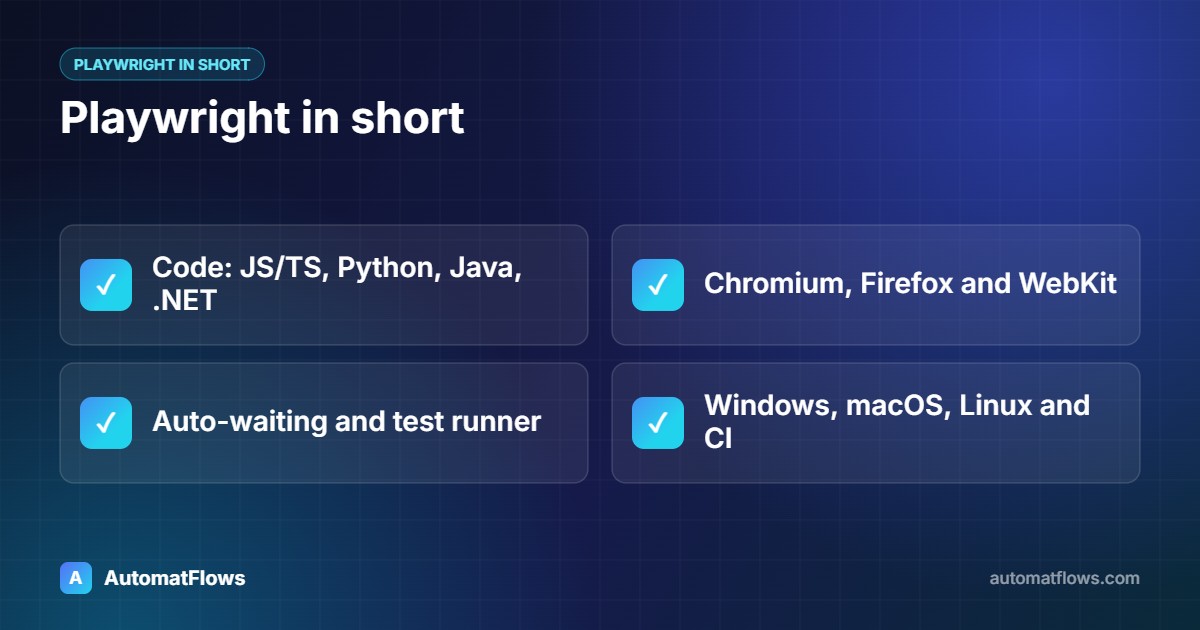
Playwright is a programming library. You write scripts in JavaScript/TypeScript, Python, Java or .NET, and Playwright drives Chromium, Firefox or WebKit (the engine behind Safari).
Auto-waiting: before clicking or typing, Playwright waits for the element to be visible and ready, which removes most timing problems ("flaky" scripts).
Built-in test runner: parallel test runs, retries, screenshots and videos of failures, and a trace viewer that replays each step.
Codegen: a recorder that writes starter code while you click through a site.
Runs anywhere: Windows, macOS and Linux, including headless on servers and in CI/CD pipelines such as GitHub Actions.
// A Playwright test: search works and shows results
import { test, expect } from '@playwright/test';

test('search returns results', async ({ page }) => {
  await page.goto('https://shop.example.com');
  await page.getByPlaceholder('Search products').fill('wireless mouse');
  await page.keyboard.press('Enter');
  await expect(page.getByRole('heading', { name: /results/i })).toBeVisible();
  await expect(page.locator('.product-card')).not.toHaveCount(0);
});
Browser Automation Studio in short
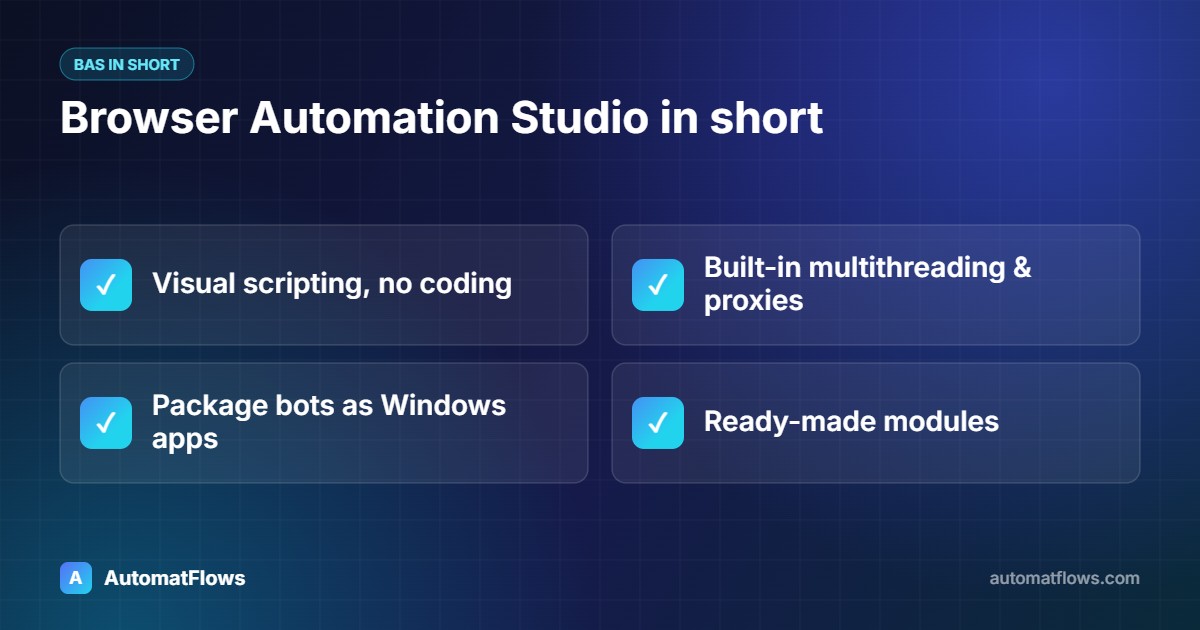
BAS is a desktop application for Windows. Instead of writing code, you build a script from action blocks — open a page, click an element, type text, read data, loop, branch — in a visual editor, with JavaScript available when you need it. It ships with its own Chromium-based browser.
Visual scripting: people who do not program can build and change automations.
Multithreading built in: run many browser threads at once, with proxy settings per thread.
Standalone bots: a finished project can be packaged as a Windows application with its own settings screen, to hand to a client or a team member.
Ready-made modules: common tasks such as working with files, HTTP requests, email and databases are available as blocks.
Head-to-head
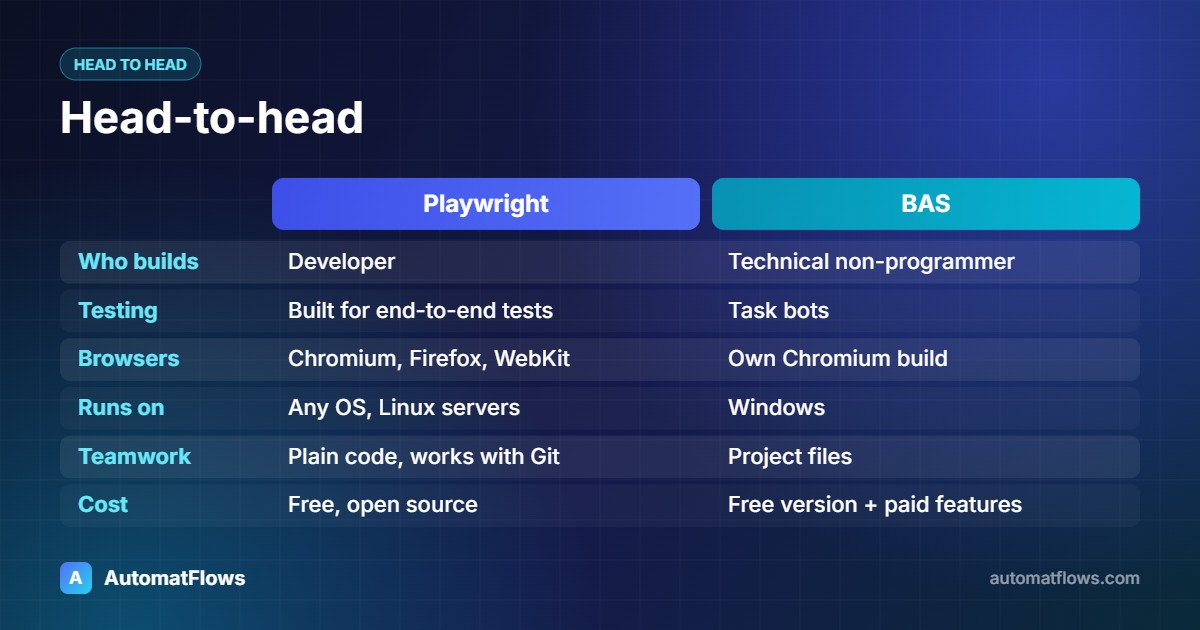
Who builds it: Playwright needs a developer. BAS can be used by a technical non-programmer, though complex projects still benefit from programming skills.
Testing: Playwright is designed for end-to-end testing — assertions, reports and CI integration are first-class. BAS is built for task automation, not test suites.
Browsers: Playwright covers Chromium, Firefox and WebKit. BAS uses its own Chromium build.
Where it runs: Playwright runs on any operating system and on Linux servers. BAS is a Windows application.
Version control and teamwork: Playwright scripts are plain code files that work with Git, code review and automated deployment. BAS projects are edited inside the application.
Delivering to a non-technical user: BAS's packaged bots with a settings form are very convenient. With Playwright you usually build that interface yourself — for example a small desktop app or a web dashboard.
Cost: Playwright is free and open source. BAS has a free version; some features and services around it are paid, so check the current terms on its official site.
When to choose Playwright
You are testing your own web application and want the tests in your development pipeline.
The automation runs on a Linux server or in the cloud on a schedule.
The project is large, will be maintained for years, or several developers will work on it.
It needs to integrate tightly with other code — APIs, databases, queues, your own backend.
When to choose Browser Automation Studio
The person who will maintain the bot is not a programmer.
You need a ready-to-run Windows tool with a settings window for a client or staff.
The job is a self-contained task automation — data entry, collection, account workflows — on Windows machines.
You want to build and adjust a working bot quickly in a visual editor.
Limits that apply to both
Websites change. Any browser automation must be updated when a site's layout changes; stable selectors and good error logs keep the cost down.
Browsers are heavy. Each browser instance needs memory and CPU, so very large volumes are often better served by direct HTTP or API automation — see browser automation vs API automation.
Rules still apply. Follow each website's terms of service and rate limits, and automate only accounts and data you are allowed to use.
Our recommendation
For testing and long-term, server-side automation, start with Playwright. For a Windows bot that a non-developer will run and adjust, BAS is often the faster path. When a project needs both — a robust engine and a simple interface — we build the engine in code and wrap it in a small desktop application.
AutomatFlows offers Playwright automation and testing services, browser automation and web scraping, and desktop apps built with Node.js and Electron. Tell us about your project and we will recommend the tool that fits.