EasyVid
AI video maker for Windows — pick a video type, write one line, get a full video with the same character in every scene
EasyVid is a Windows AI video generator for people who don't want to learn prompts. Choose one of 51 video types — UGC ads, talking avatars, 3D cartoons, kids' stories, horror, faceless YouTube, music videos and more — click a few options, write one line, and EasyVid writes the script, plans every shot and keeps your characters looking the same from start to end. Now open for pre-order.
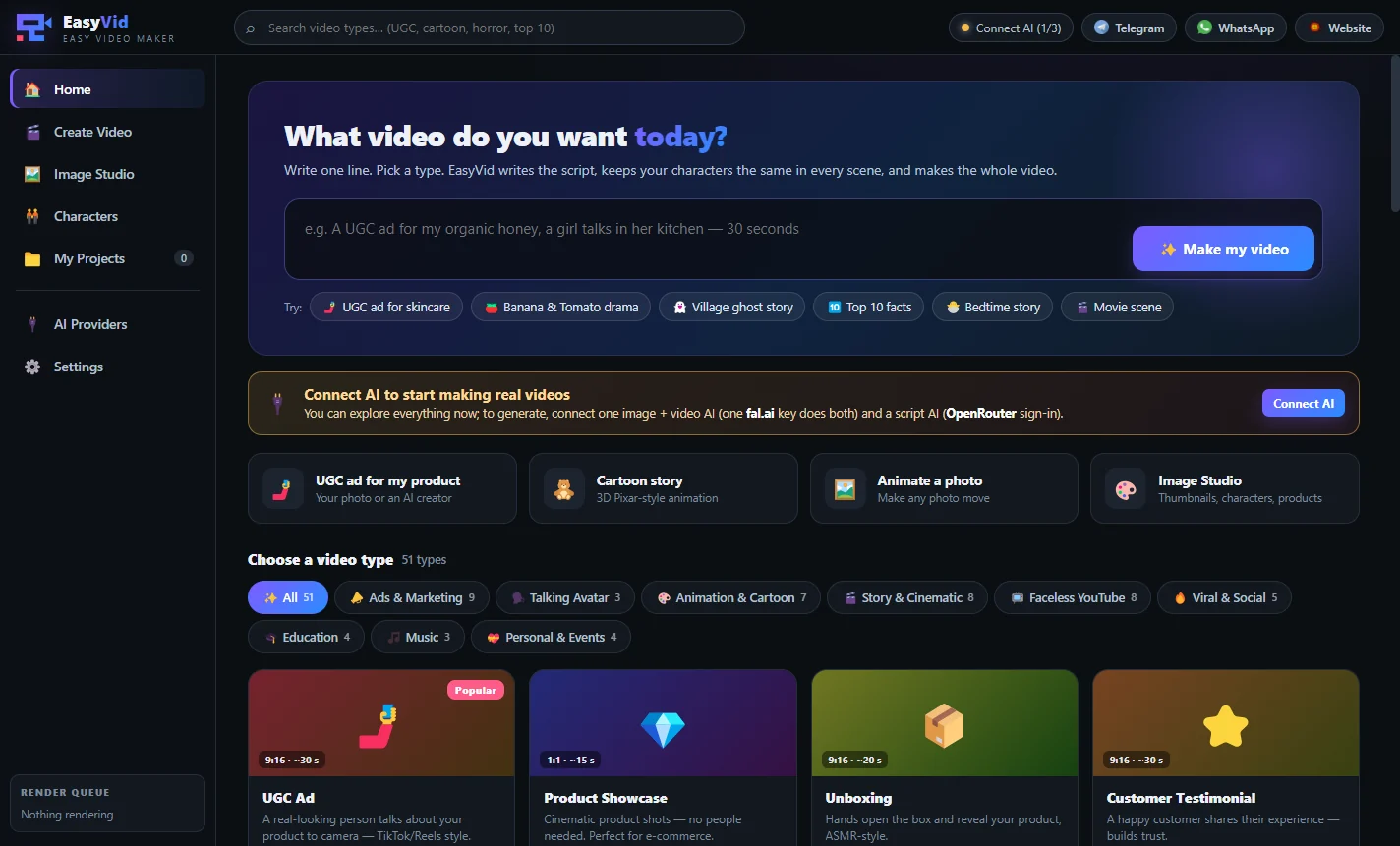
Overview
EasyVid is an AI video maker for Windows built for people who want great AI videos without learning how to write prompts. Instead of a blank text box, every kind of video has its own ready-made type with choices you simply click — for a UGC ad you choose the ad format, where the creator is, the platform and the call to action; for a kids' story you choose the age, the lesson and the characters. You write one line about your idea and EasyVid does the rest: it writes the script, plans every shot, keeps your characters looking the same and sends each shot to the AI you connected.
Pre-order: EasyVid is launching soon. The app is ready and we are finishing the video generation engine. Pre-order now for a one-time $100 lifetime license and get the full version as soon as it is released.
How EasyVid works
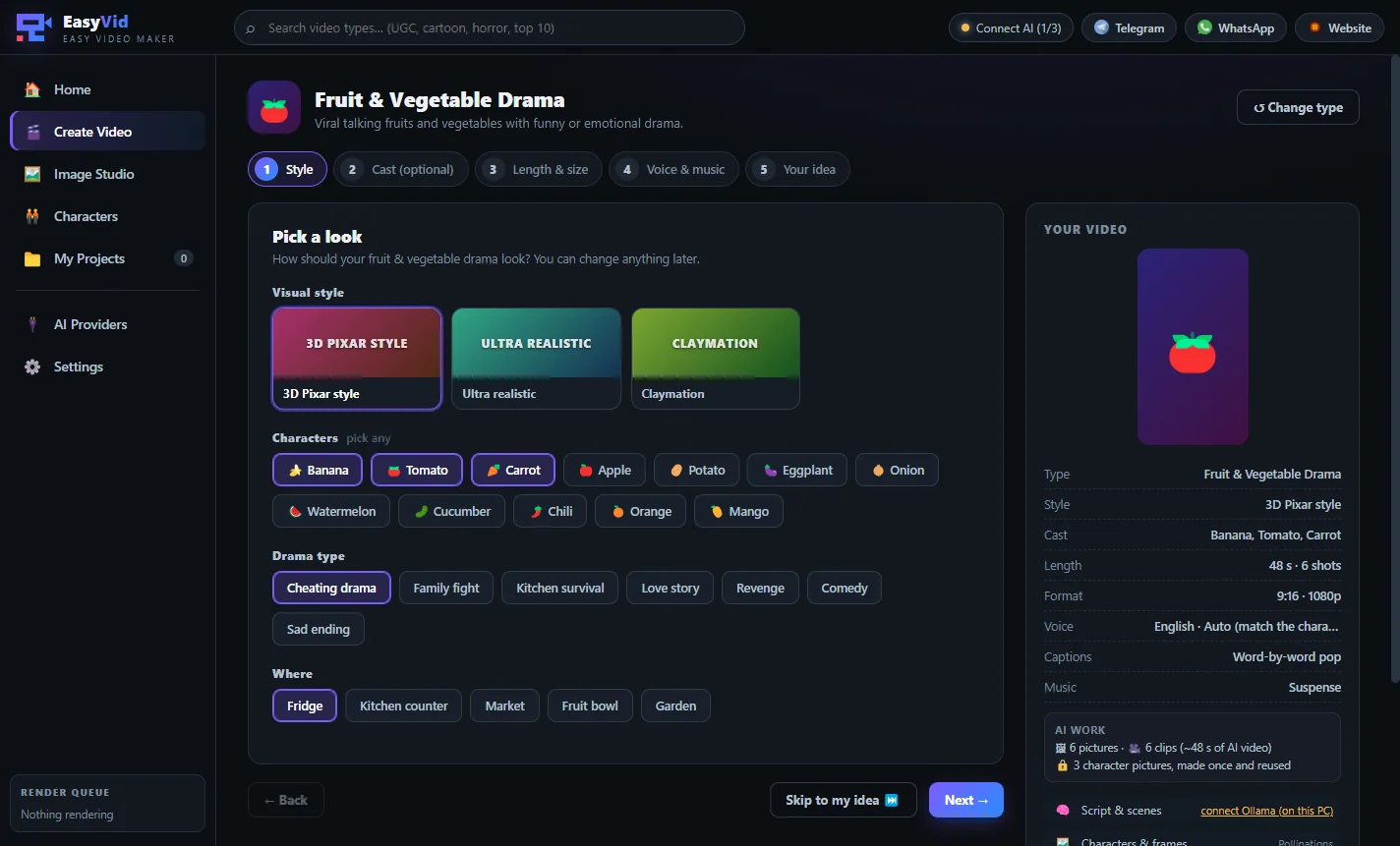
Pick a video type — 51 types such as UGC Ad, Product Showcase, Talking Avatar, 3D Cartoon, Kids Story, Fruit & Vegetable Drama, Horror Story, Top 10 Facts, Documentary or Music Video.
Choose the style — 3D Pixar, ultra realistic, anime, claymation, cinematic and more — plus characters, setting and mood.
Add a character (optional) — your own photo, an AI-made person or a saved character. It stays the same in every scene.
Set the length, format, voice, captions and music.
Write your idea in one line — or a list of ideas for bulk mode — and press Generate.
Video types you can make
Ads & marketing: UGC ad, product showcase, unboxing, customer testimonial, app / SaaS promo, real estate tour, restaurant & food promo, fashion lookbook, logo intro / outro.
Talking avatar: spokesperson, news anchor, course instructor.
Animation & cartoon: 3D cartoon (Pixar style), 2D cartoon, anime, kids story & nursery rhymes, fruit & vegetable drama, talking animals, claymation.
Story & cinematic: short film, horror, sci-fi, fantasy & mythology, historical, Islamic & religious stories (faces hidden where required), moral stories, drama & romance series.
Faceless YouTube: top 10 / facts, documentary, Reddit story, motivational quotes, mystery & true crime, travel, nature & wildlife, space & science.
Viral & social, education, music and personal: viral shorts, comedy skits, ASMR, pets, dance trends, explainers, kids learning, tutorials, music and lyric videos, lo-fi loops, animate a photo, wedding / birthday invites, memorial tributes and photo slideshows.
Character consistency — the problem EasyVid solves
The biggest problem with AI video is that the person changes from one shot to the next. EasyVid locks each character: it makes the character pictures once and sends them with every single shot, so the same face, hair and outfit appear in the whole video. For UGC ads it can combine your product photos with the presenter, so the product looks right too.
Works with the AI you choose
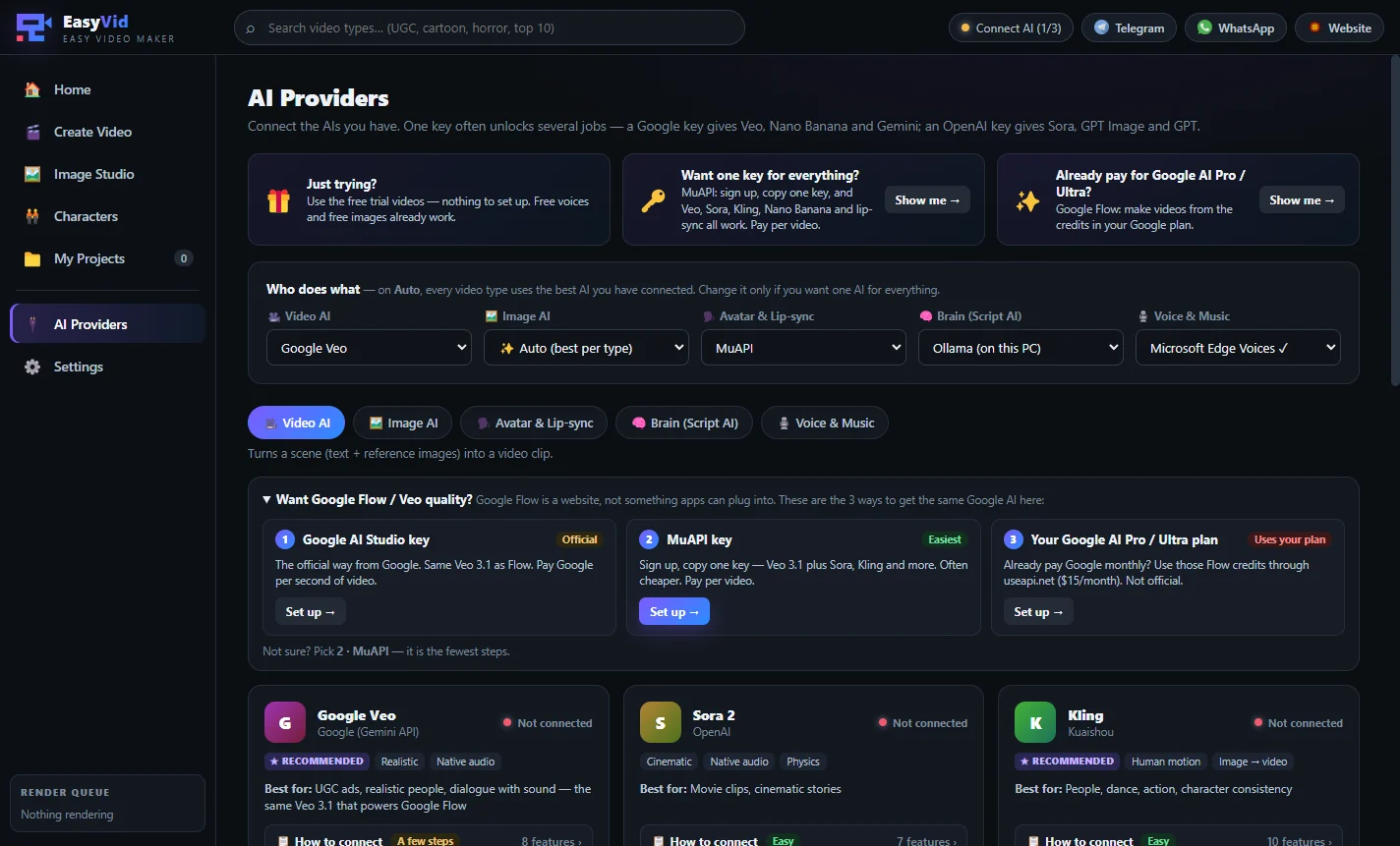
EasyVid connects to the leading AI models — Google Veo, Sora 2, Kling, Runway, Luma, Hailuo, PixVerse, Seedance and Wan for video; Gemini "Nano Banana", GPT Image, FLUX, Ideogram and Leonardo for images; HeyGen, Hedra, Sync and D-ID for talking avatars; Claude, GPT, Gemini or a free local Ollama for the script; and ElevenLabs, OpenAI or free Microsoft Edge voices. On Auto, every video type uses the best AI you have connected. You use your own API keys and pay the AI services directly, with no markup from us.
Features
51 ready video types in 9 categories
Ads & marketing, talking avatar, animation & cartoon, story & cinematic, faceless YouTube, viral & social, education, music and personal events. Each type has its own ready options, so you only click choices.
One line is enough
Write one sentence such as "a UGC ad for my organic honey, a girl talks in her kitchen". EasyVid's script AI writes the full script, the scenes and the dialogue for you.
Character lock — same face in every scene
Use your own photo, an AI-made person or a saved character. EasyVid makes the character pictures once and sends them with every shot, so the face, hair and outfit never change.
Click options instead of writing prompts
Visual style (3D Pixar, ultra realistic, anime, claymation, cinematic…), characters, setting, mood, camera motion and call to action — all as simple buttons.
Ready demos for every type
Not sure where to start? Load a finished example — like the "Banana caught in the fridge" fruit drama — and press Generate, or change anything you like.
Edit the script shot by shot
See every shot with its picture prompt and dialogue line, edit or remove shots, or turn on "Use this script exactly" to make the video from your own script.
Bulk mode: many videos at once
Write one idea per line or load a .txt file — every line becomes its own video with the same settings. Ideal for daily posting.
Voice-over in Bangla, Hindi, Arabic, Urdu, English and more
Narrator or character voices (male, female, child, old, robot) that match each character, plus free Microsoft Edge voices that need no key.
Captions and background music
Word-by-word pop, bold yellow (Hormozi), karaoke highlight, clean white or subtitle bar captions, and music by mood — including Islamic nasheed with no instruments.
Every format and any length
Vertical 9:16 for TikTok, Reels and Shorts, 16:9 for YouTube, 1:1 and 4:5 for feeds. Long videos are made as ~8-second shots and joined into one file.
Image Studio included
Create images and thumbnails, edit a picture with words, make product photos and character sheets, remove backgrounds, expand and upscale — with the same face every time.
Use the best AI models — with your own key
Google Veo, Sora 2, Kling, Runway, Luma, Hailuo, Seedance and Wan for video; Nano Banana, GPT Image and FLUX for images; HeyGen, Hedra and D-ID for avatars; local ComfyUI and Ollama too. One fal.ai or MuAPI key can cover several jobs.
No credit markup
EasyVid does not resell AI credits. You pay the AI services directly at their own price, so a video costs what the AI costs — nothing extra.
Free trial at launch
Try 2 short videos on our server before you connect any AI account — no keys, no setup.
Built for
- Online sellers and e-commerce brands making UGC-style product ads
- Faceless YouTube, TikTok and Facebook Reels channels
- Kids' story, nursery rhyme and cartoon channels
- Story channels: horror, fantasy, history, Islamic and moral stories
- Restaurants, real estate agents and fashion shops making promo videos
- Teachers and course creators making explainer and lesson videos
- Agencies producing social media videos for many clients
Screenshots
 1 / 5
1 / 5
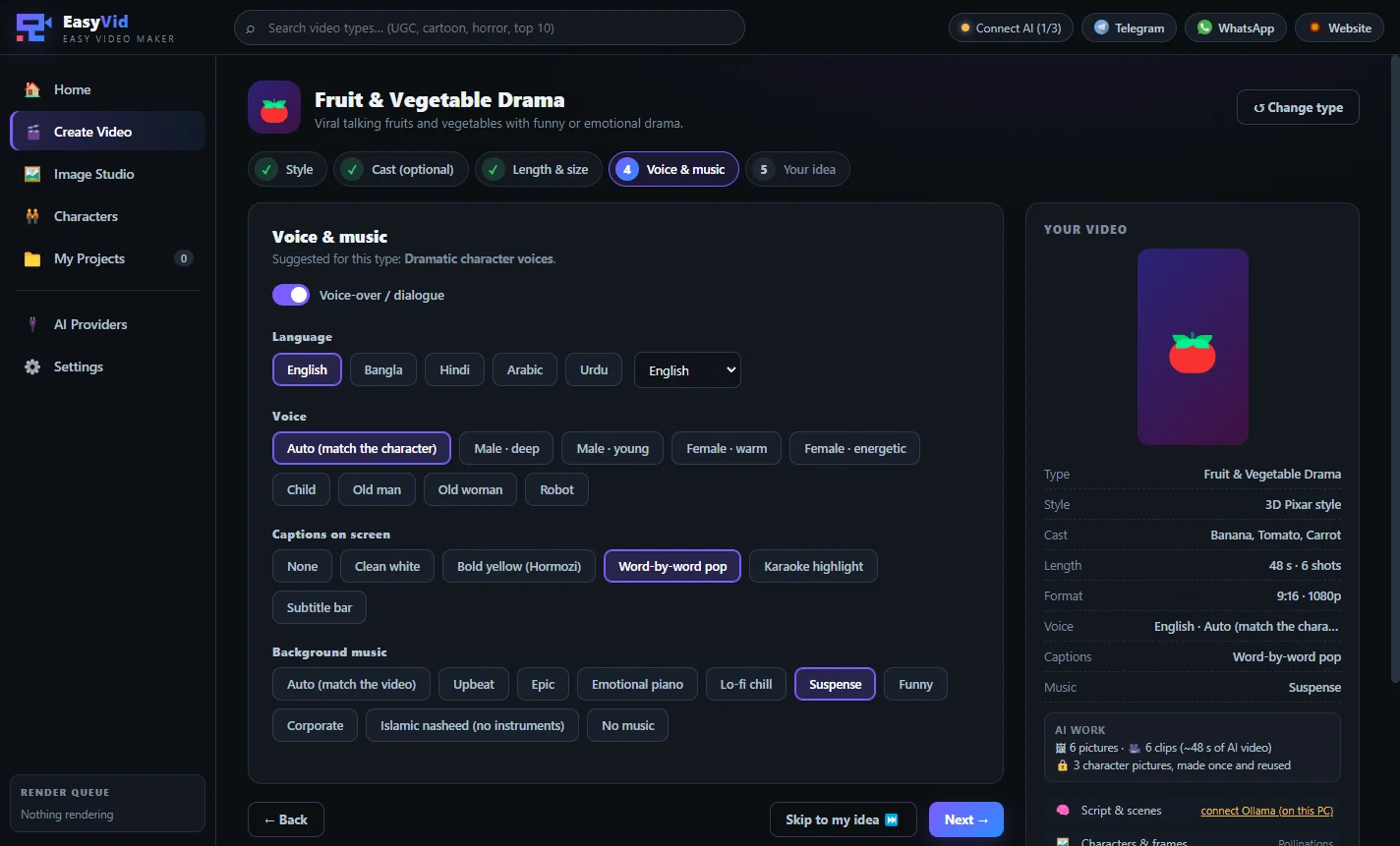
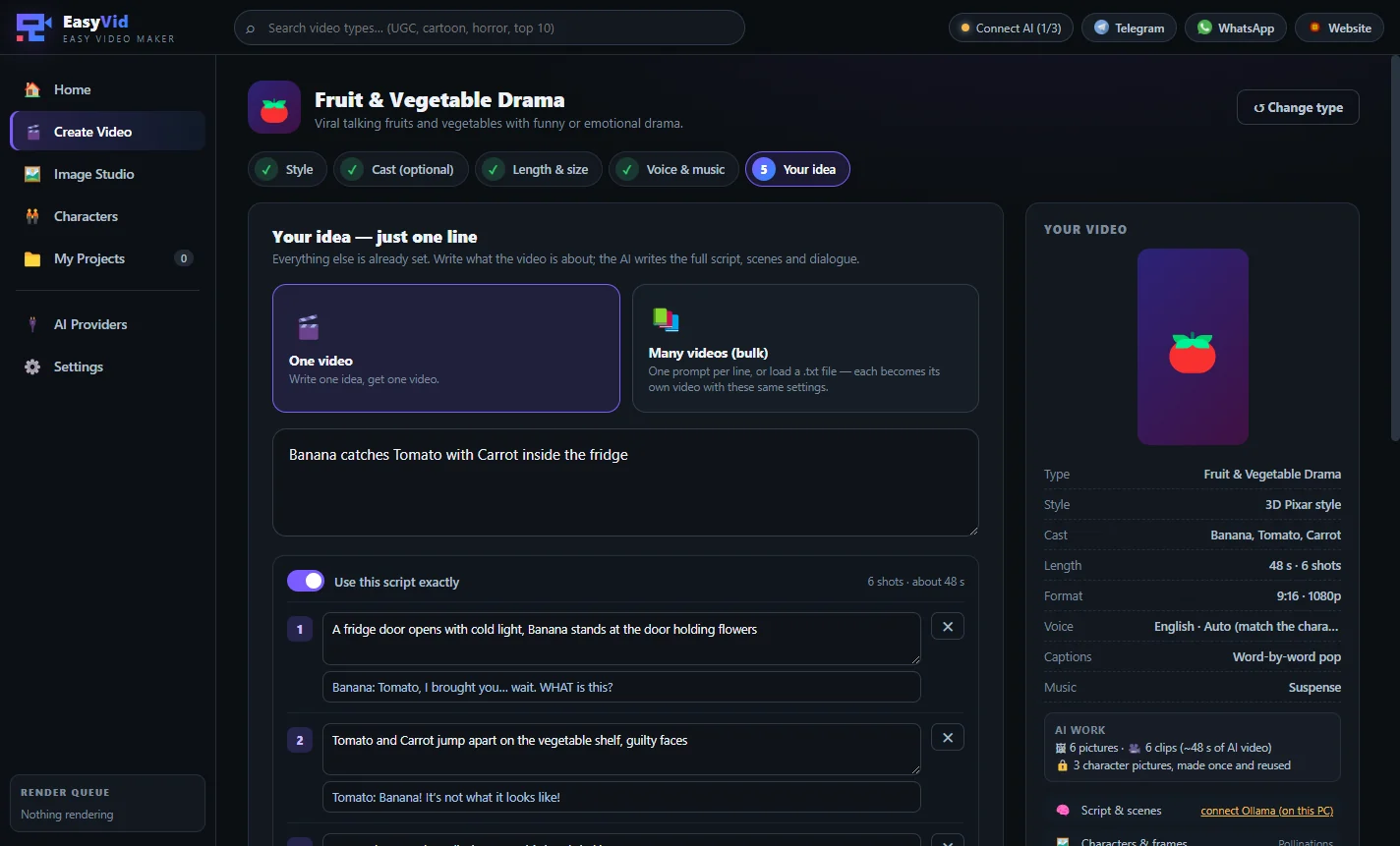
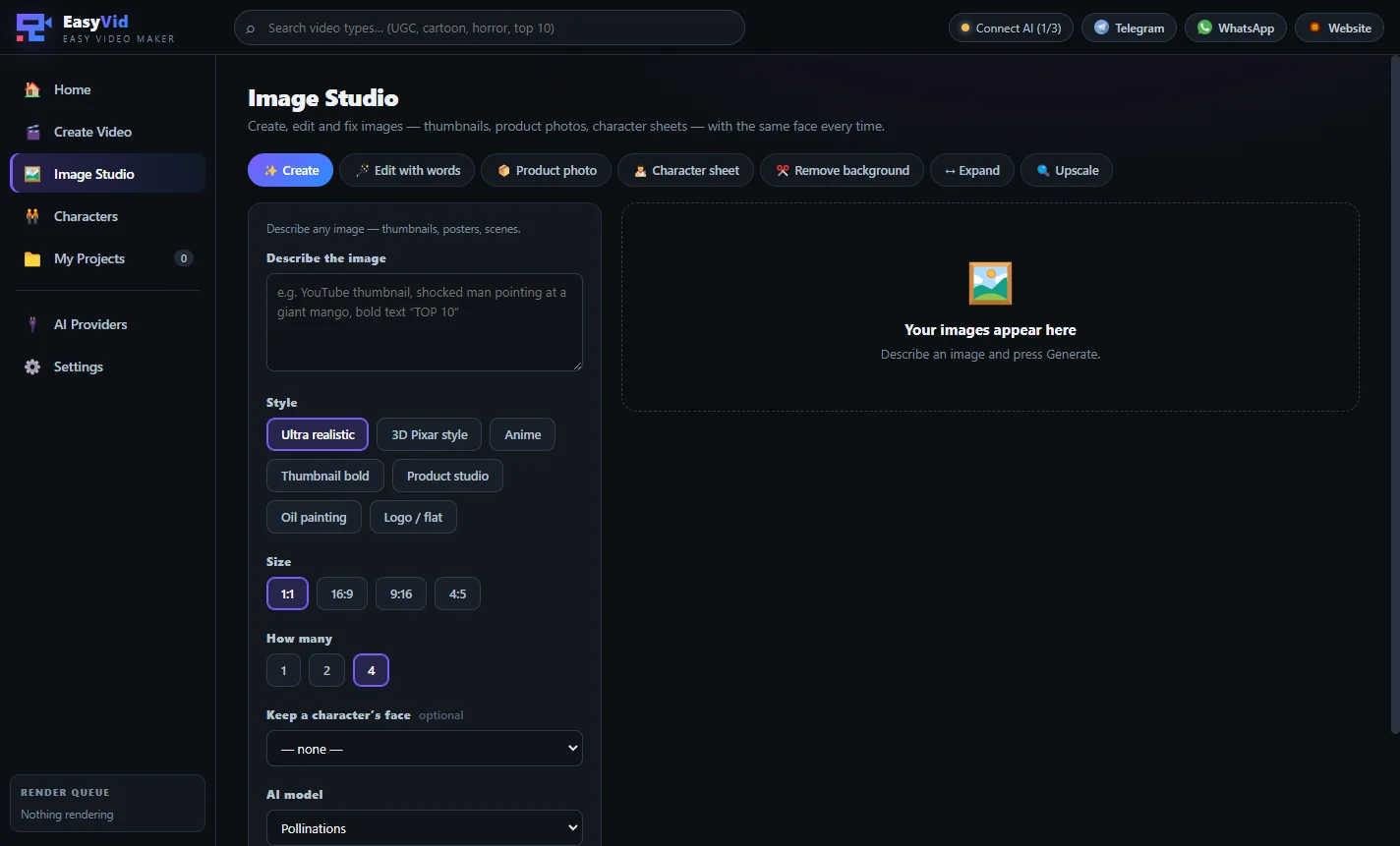
EasyVid video style and character options for a fruit and vegetable drama
Pricing
Lifetime license
$100 / one-time · pre-order
- All 51 video types
- Image Studio included
- Bulk mode: many videos from one list
- Use your own AI keys — no credit markup
- One-time payment, no subscription
- Setup help on WhatsApp / remote desktop
Frequently asked questions
EasyVid is open for pre-order. The app is built and we are finishing the video generation engine. Pre-order now at the launch price and you will get the full version as soon as it is released. Message us on WhatsApp for the expected date.
A Windows desktop app that makes AI videos and images by category. You pick a video type, click a few options and write one line; EasyVid writes the script, plans the shots, keeps the characters consistent and makes the video with the AI services you connect.
No. Every video type has ready options you click, and you write only one short line about your idea. EasyVid turns it into detailed prompts for every shot.
You choose a character once — your own photo, an AI-made person or a saved character. EasyVid makes reference pictures of that character and sends them with every shot, so the face, hair and outfit stay the same.
You connect AI services such as Google Veo, Kling, fal.ai or MuAPI with your own API key and pay them directly at their own prices. EasyVid adds nothing on top. Some parts, like Microsoft Edge voices and local Ollama, are free.
Yes. The voice-over and captions support Bangla, Hindi, Arabic, Urdu, English and many other languages.
Vertical 9:16 for TikTok, Reels and Shorts, landscape 16:9 for YouTube, square 1:1 and portrait 4:5. You choose the length; longer videos are made shot by shot and joined into one video.
Yes. Bulk mode turns every line of a list or a .txt file into its own video with the same settings.
Yes. The pre-order price is a one-time payment of $100 for a lifetime license — no monthly subscription for EasyVid itself.
You might also like
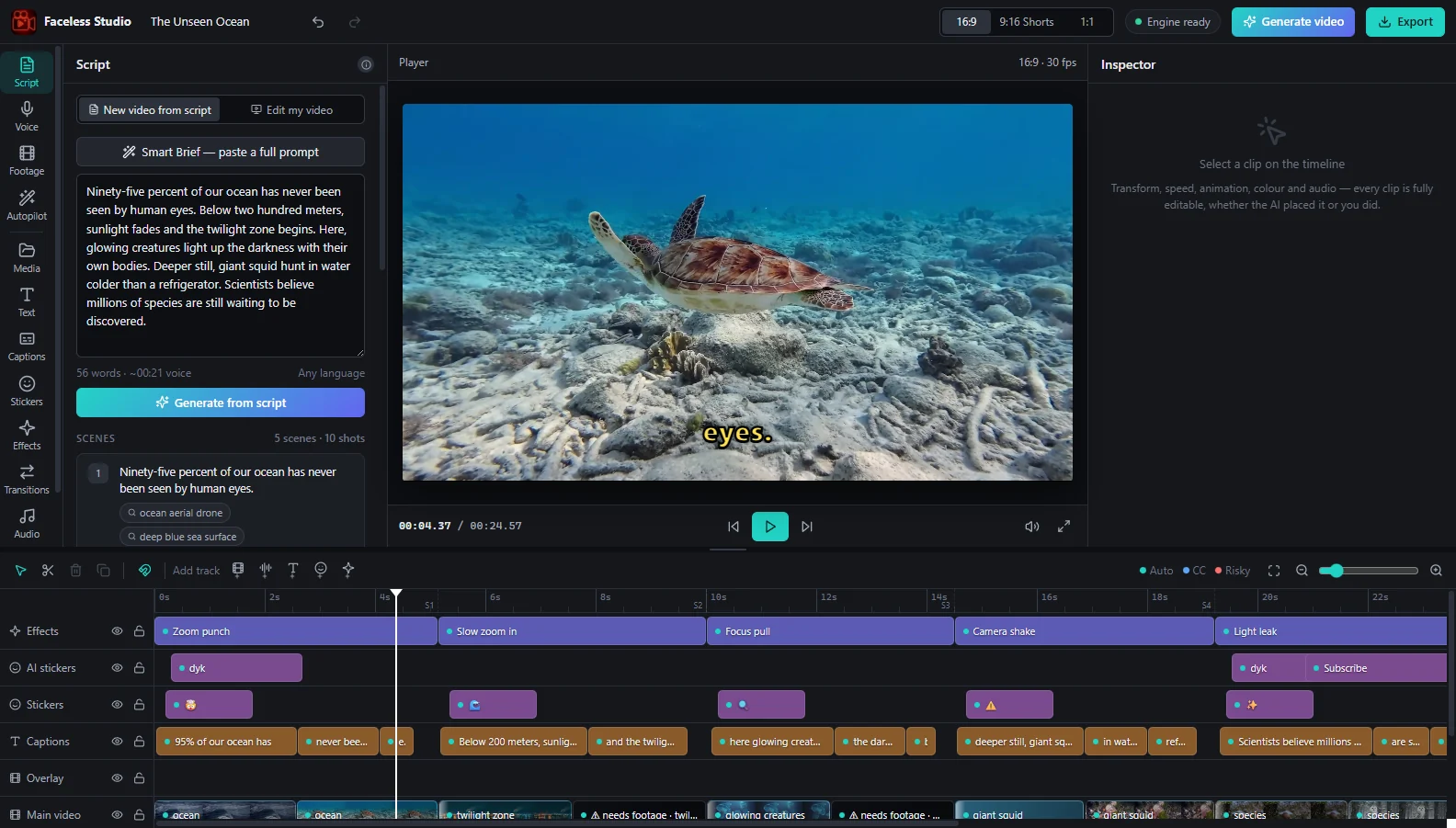
Faceless Studio
Faceless YouTube video maker for Windows — script to voice-over, matching footage, captions and music in one click
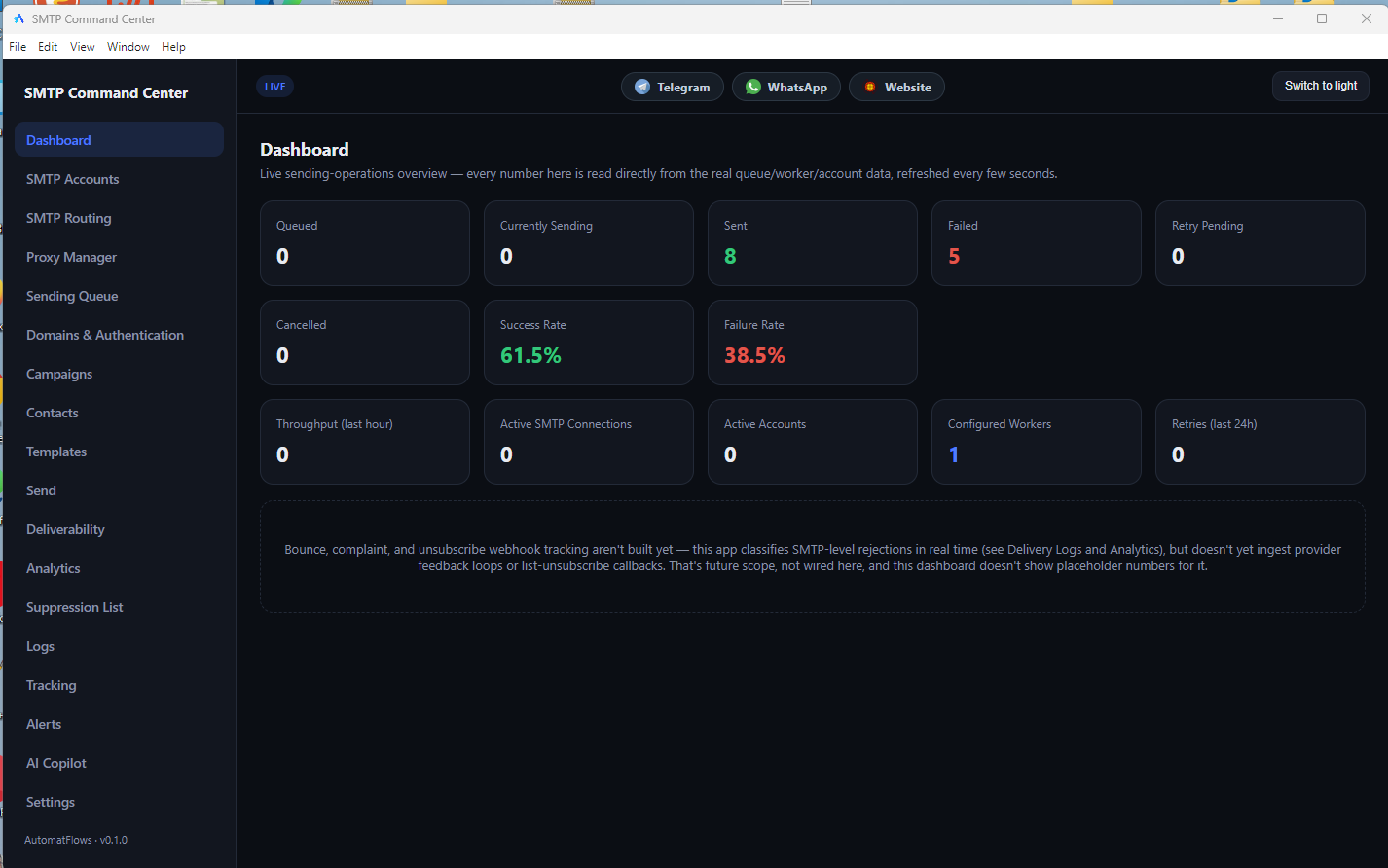
SMTP Command Center
Send email campaigns through your own SMTP accounts — with rotation, limits, tracking and inbox checks
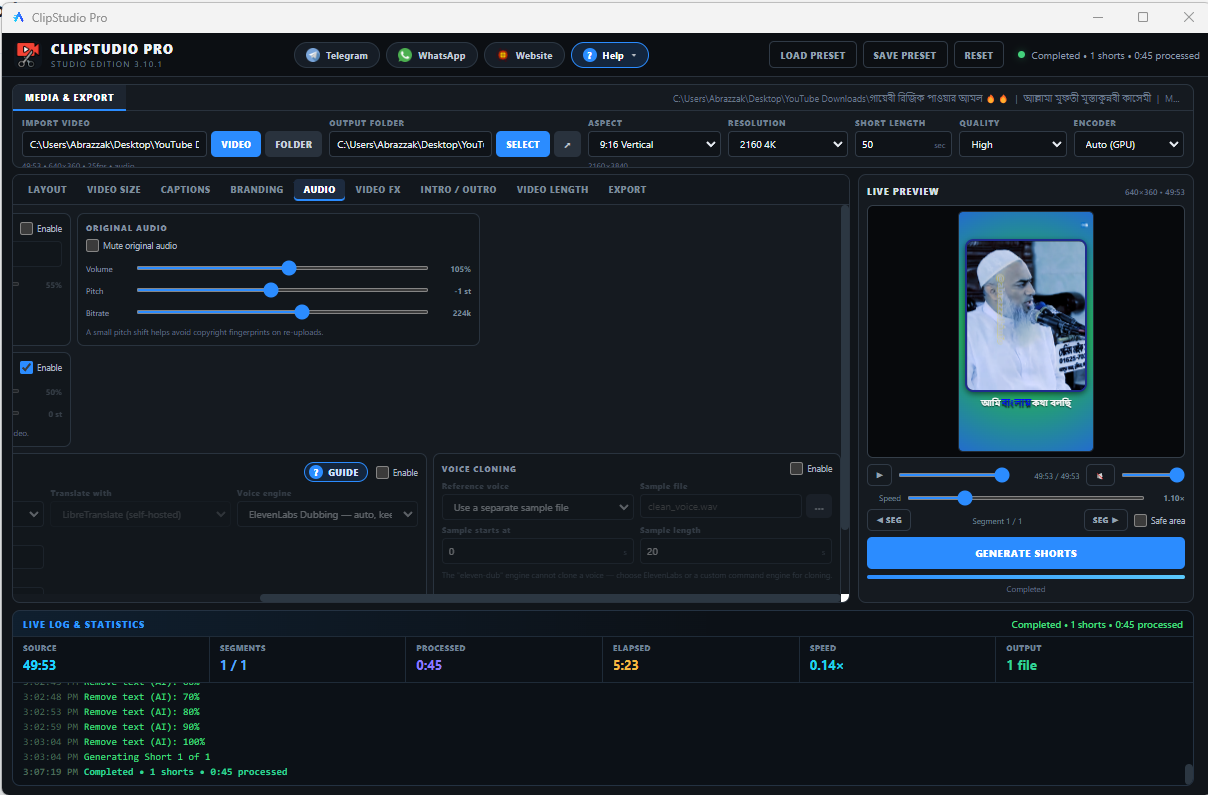
ClipStudio Pro
Turn long videos into Shorts, Reels and TikToks with AI captions — on your own PC